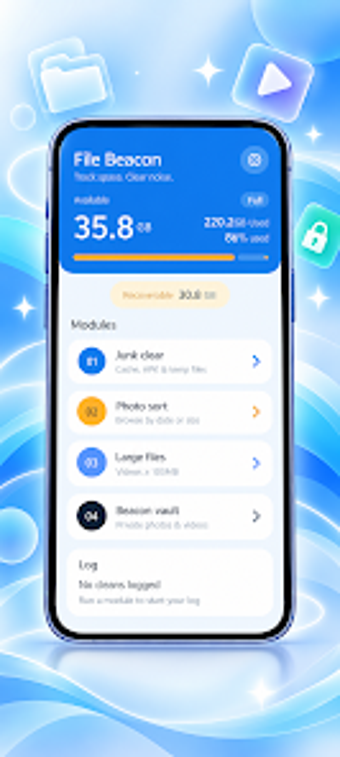
File Beacon: Android storage scanner that spots large files quickly
Scans device storage to highlight large files, surface heavy media, and organise downloads in a few taps. File Beacon, from Shanhe Trading HK Limited, targets Android users who need a fast storage audit and basic file management tools. The app presents a clear storage overview, identifies photos, videos and downloads taking space, and includes simple cleanup and app-management utilities for people who want to reclaim device capacity without a steep learning curve.
What the tool inspects and how it presents results
File Beacon generates a storage usage analysis and breaks content into categories such as media, downloads, and large files, matching the developer's stated focus on identifying space-consuming content. The app displays a high-level overview that lets you drill into folders and individual items, and it flags large files so you can review them before taking action.
Does it affect device performance during a scan?
The app is described as a lightweight utility designed for quick audits, so scans run without lengthy waits on modern Android devices. Because it targets everyday storage tasks rather than background system services, it performs active scans initiated by the user and does not require continuous background operation; this reduces ongoing CPU and RAM impact compared with always-on tools.
Is it safe and does it require advanced knowledge?
File Beacon organises files for manual review rather than forcing automatic deletion, which keeps actions explicit and reduces risk to the user’s data. The interface is presented as minimalist and clear, which helps non-technical users locate large photos, videos, and downloaded files; still, the app expects the user to confirm removals, so basic familiarity with file names and folders is helpful.
Suitable for Android users needing a focused storage auditor
File Beacon serves users who want a quick way to locate and review space-consuming files without extra complexity. It keeps operations manual and visible, so accidental removals are less likely. For people who need a lightweight tool to run occasional storage checks and tidy downloads, File Beacon is a practical pick. Recommended.